When a lockout call comes in, speed matters, but calm matters too. The best locksmith teams handle urgent lockouts without turning the day into a fire drill. They auto-route the nearest tech, send a clear ETA text, and get a signed estimate on site before work starts. That keeps the customer informed, helps the tech …
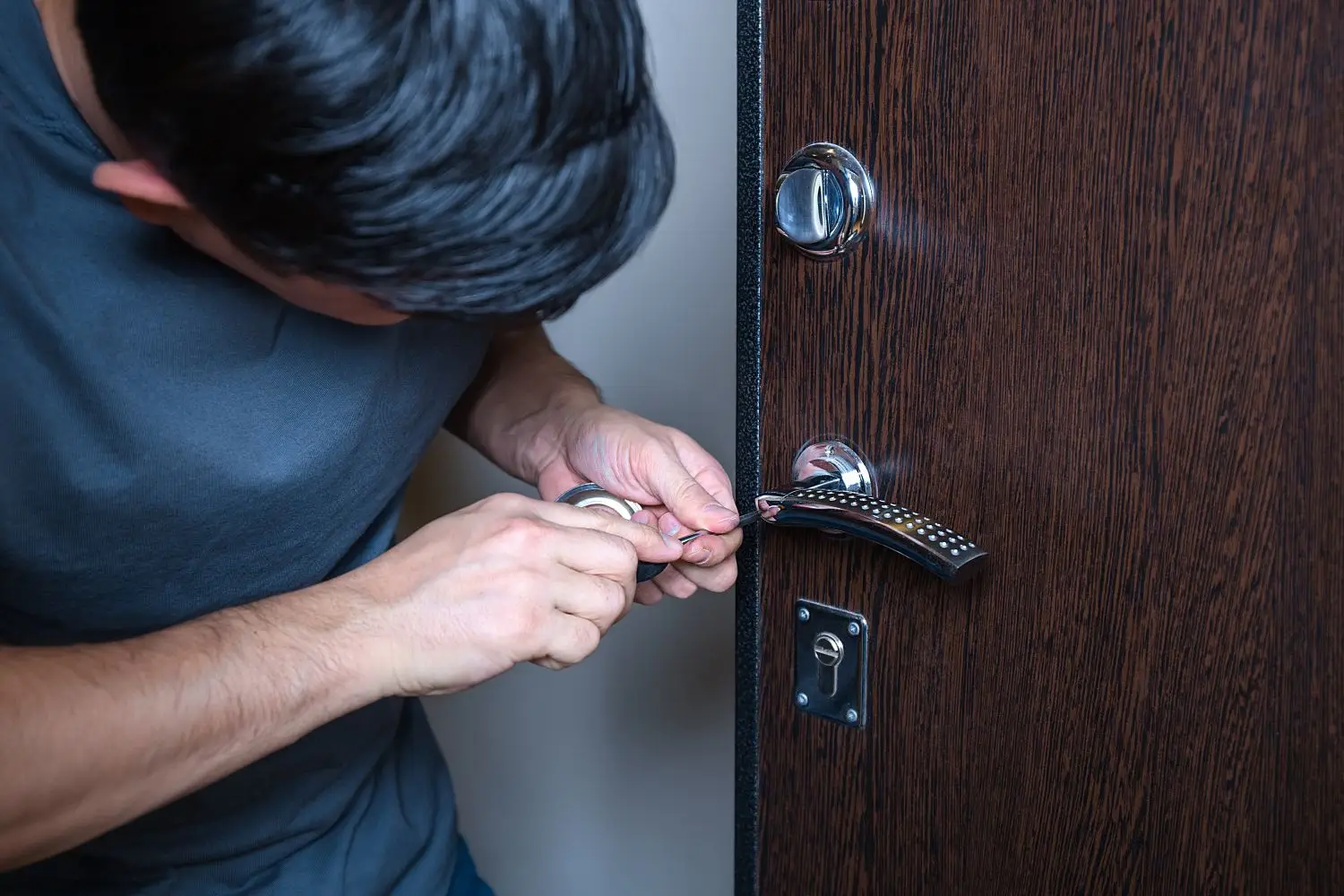
When a lockout call comes in, speed matters, but calm matters too. The best locksmith teams handle urgent lockouts without turning the day into a fire drill. They auto-route the nearest tech, send a clear ETA text, and get a signed estimate on site before work starts. That keeps the customer informed, helps the tech stay on track, and gives the office fewer headaches.
Why lockout jobs go sideways so fast
A lockout feels small until the phone starts ringing off the hook. A driver is stuck in a parking lot. A parent is locked out of the house. A store manager cannot open the front door. Every caller wants help now, and that is fair.
The trouble starts when the team works from memory, paper notes, and guesswork.
The office takes the call. Then someone tries to figure out who is closest. A tech misses the message. Another tech gets sent across town by mistake. The customer calls back and asks, “Where is your guy?” The office has no clean answer. Now the whole thing feels like a squirrel loose in the attic.
That is where locksmith dispatch software changes the game. It helps the office send the nearest tech, track the truck on a map, text the ETA, and lock in the estimate on site with a signature. The job gets handled in a straight line, not a zigzag.
Start with the nearest tech, not the loudest guess
Urgent jobs need speed, but not random speed.
Auto-routing helps dispatchers choose the nearest available tech based on live location, job status, and route. That saves drive time and cuts idle time. It also helps avoid the classic problem where Tech A is ten minutes away, but Tech B gets the call because someone thought he was “sort of close.”
When a locksmith team uses GPS tracking for locksmiths, the office can see where each tech is, who is wrapping up a job, and who can take the next lockout call without a wild detour.
That matters in Houston. A tech near Midtown can get tied up fast if traffic starts stacking on I-45. A job near The Heights may look close on a map, but a wrong turn or road work can eat time in a hurry. Live location helps the office make better calls with less back and forth.
ETA texts cut down the “Where are you?” calls
Most lockout customers do not need a long speech. They need two things, fast help and clear updates.
A simple ETA text does a lot of heavy lifting. It tells the customer help is on the way. It gives a rough arrival time. It lowers stress. It also keeps the office phone from lighting up like a Christmas tree.
A good ETA text should be plain and useful:
- The tech’s first name
- A rough arrival window
- A note that traffic or weather may shift the time a bit
- A way to reply if the customer must add gate codes or parking notes
That small message builds trust. It also helps the tech. When the customer knows who is coming and when, the handoff is smoother.
Signed estimates on site keep the job clean
Lockout calls move fast. That does not mean the paperwork should be sloppy.
When the tech arrives, they should be able to show the estimate on a phone or tablet and get a signature before work starts. That keeps the job clear for both sides. The customer sees what is being approved. The tech gets a record tied to the work order. The office does not have to chase notes later.
This is not just about paperwork. It is about avoiding confusion.
A signed estimate helps answer simple but big questions:
- What work was approved
- When approval happened
- Which location was serviced
- Who signed off
That helps on residential jobs, auto lockouts, and commercial entries. It also keeps the team from relying on memory at the end of a long day, and memory can be slipperier than a wet driveway.
The ideal lockout workflow, step by step
A calm lockout process should feel simple from the customer side. Behind the scenes, the system does the heavy lifting.
Here is what a strong flow looks like:
- The office gets the call or online request.
- The dispatcher checks job type and location.
- The software picks the nearest available tech.
- The customer gets an ETA text.
- The tech heads to the site with job notes in hand.
- The tech reviews the work and captures a signed estimate on site.
- The job is done.
- The office has a clean record of dispatch, arrival, approval, and completion.
No mystery. No sticky notes. No “I thought someone else called them.”
What we usually see in Houston, TX
Houston lockout work often comes with long drive times, surprise traffic, and weather that changes the mood of the day. A tech may leave a job near Westheimer and hit slow traffic right when a new lockout comes in. Apartment gates, office towers, and spread-out neighborhoods can also slow arrival if the team does not have clean notes.
Hot weather matters too. In summer, car lockouts get more urgent fast, especially with kids, pets, or groceries in the vehicle. Rain adds another wrinkle. Wet roads slow travel, and customers waiting outside get stressed sooner. Even humidity plays a part, since sticky locks and swollen doors can make entry harder on some jobs.
Simple troubleshooting when a lockout call comes in
Use a quick path so the office knows what to do next.
- If the customer is locked out of a car and a child or pet is inside, then send the nearest tech right away and tell the customer to contact local emergency help if the risk is immediate.
- If the customer is locked out of a house, then confirm the exact address, entry point, and whether another adult is inside.
- If the customer is at a business, then confirm access rules, site contact, and if a manager must approve entry.
- If the tech is more than a short drive away, then send an ETA text right away so the customer knows the plan.
- If traffic is building, then update the ETA instead of waiting for the customer to ask.
- If the scope changes on site, then update the estimate and get a new signature before extra work starts.
- If the site has gates, loading docks, or parking limits, then add that note to the work order before the tech arrives.
What locksmith teams get wrong, and how to fix it
Many teams think speed means chaos. It does not.
The real goal is smooth speed. That comes from a simple setup.
Bad process looks like this:
| Problem | What happens next | Better move |
|---|---|---|
| Techs get jobs by group text | People miss messages or double-claim jobs | Dispatch from one system |
| No live location | Office guesses who is closest | Use GPS tracking |
| No ETA text | Customer calls again and again | Send updates at dispatch |
| Paper estimates | Notes get lost or hard to read | Capture signed estimate on site |
| Weak job notes | Tech arrives and lacks key details | Add access and contact info early |
Each fix is small. Together, they save the day.
Quick pairs that clear up common confusion
Myth, the fastest tech is always the best tech to send.
Fact, the nearest available tech with the right job status is usually the best pick.
Myth, customers only care that someone shows up.
Fact, customers care a lot about updates, timing, and knowing who is coming.
Myth, signed estimates slow down urgent jobs.
Fact, digital approval is fast and helps stop mix-ups.
Myth, GPS tracking is only for big fleets.
Fact, even small locksmith teams gain better dispatch control with live tracking.
Why communication matters just as much as speed
A lockout is stressful. People may be late for work, stuck in the heat, or standing outside in the rain. If your team stays quiet, the customer fills the silence with worry.
Good communication turns a tense job into a manageable one.
That means:
- Confirm the request fast
- Send the ETA
- Update delays
- Share the tech name
- Keep notes in one place
- Close the job with clear records
Think of it like a relay race. If the baton gets dropped between office and field, the whole team loses time.
Houston weather can turn a small lockout into a bigger problem
Weather is not just small talk in Houston. It changes field work.
Heat can make urgent car lockouts more serious. It can also wear down techs if routes are packed too tight. Cold snaps, even short ones, can mess with older locks and stiffen parts. Rain slows roads, fills parking lots, and makes outside waiting rough on customers. Humidity can swell wood doors and make a lockout feel worse than it first looked.
A smart dispatch setup helps with all of that. The office sees delays sooner. Customers get updates faster. Techs do not waste time driving in circles while the weather piles on.
A short safety note here, if the customer reports a person or pet trapped in a hot vehicle, treat it as urgent and direct them to emergency help if there is immediate danger.
A simple care plan for smoother lockout service
Even urgent work gets easier when the team keeps the basics tight.
Weekly
- Check that all techs have location sharing active
- Review missed calls and repeat “where are you” calls
- Make sure ETA texts are being sent on new jobs
- Clean up old job notes and bad address data
Monthly
- Review route times by area
- Check signed estimate records for missing fields
- Look at dispatch errors, delays, and reassigned jobs
- Update service zones if traffic patterns have shifted
Yearly
- Review the full lockout workflow
- Train new staff on dispatch, ETA updates, and signatures
- Check mobile forms for clear wording
- Audit Houston service areas and travel time rules
This plan is not fancy. It works.
Why signed records help after the job too
The job does not end when the door opens.
Clean records help with follow-up, team review, and customer questions later. If someone asks who approved the work, when the tech arrived, or what was done on site, the office should not have to play detective.
That matters for busy teams. It also matters for trust.
A digital trail gives the office a clean story from start to finish. It helps with repeat service. It helps with training. It helps the owner see where jobs slow down and where the team is doing well.
FAQs
How does auto-routing help a locksmith team?
It sends the nearest available tech based on live job status and location. That cuts drive time and helps urgent calls get handled faster.
What should an ETA text include?
Keep it simple. Include the tech’s name, a rough arrival window, and a way for the customer to reply with gate or parking notes.
Why use signed estimates on site for lockout jobs?
They keep the approved work clear before the job starts. That helps the tech, the customer, and the office stay on the same page.
Does GPS tracking only help large locksmith companies?
No. Small teams can gain a lot from live location. It helps dispatch make better choices and helps customers get cleaner updates.
What if traffic in Houston changes the arrival time?
Update the ETA as soon as the delay is clear. Customers handle a delay better when they know about it early.
Can weather affect lockout work?
Yes. Heat makes car lockouts more urgent. Rain slows roads. Humidity and cold snaps can also affect locks and doors.
What job notes matter most before a tech arrives?
Exact address, contact name, phone number, gate code, parking notes, building type, and any approval contact on site.
Is it safe to rely only on phone calls for dispatch?
That often leads to missed details. A shared dispatch system gives the office and field team the same job info in one place.
WePro helps locksmith teams handle urgent lockouts with less confusion by giving you smart dispatching, GPS tracking, on-site estimates, and clear customer communications in one place. If you want faster routing, fewer status calls, and cleaner job records, see how WePro can help at https://wepro.ai.