

Offer practical ways to pay after a job, then keep the invoice, payment status, and receipt together so the office can follow up without guessing.
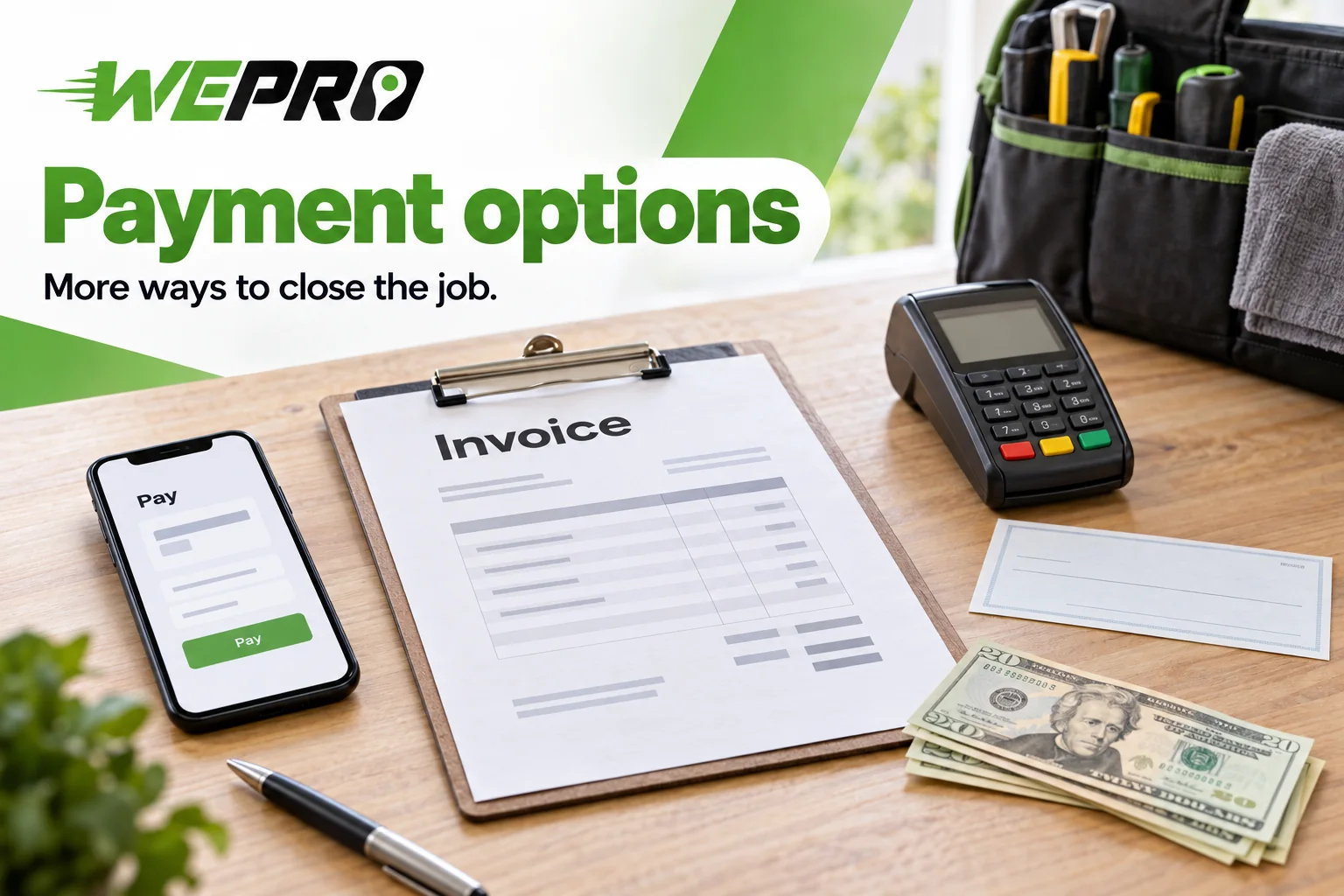
Good home service payment options give customers a simple choice and leave the office a clear record. Offer card payments through a secure link or field terminal if your provider supports them, bank payments where available, and cash or checks as a fallback. Send an itemized invoice after the job and connect each payment to that job.
Choose home service payment options your team can support
You don't need every payment method. You need a small menu your customers can use and your office can manage. Choose methods based on where customers will pay, how the payment reaches your business, and what record the office receives.
| Payment method | When it fits | Office handling |
|---|---|---|
| Card through a payment link or terminal | A customer wants to pay online or while the technician is present. | Match the provider's transaction record to the invoice. |
| Bank payment through ACH | A customer prefers a bank transfer, including for a larger invoice. | Track processing and any returned payment before treating the balance as resolved. |
| Check | A customer prefers a paper payment. | Record receipt of the check and track its deposit separately. |
| Cash | A customer wants to pay without a bank account or device. | Record the amount, issue a receipt, and control the handoff to the office. |
Compare the actual provider terms before choosing. Don't assume a bank transfer costs less or that a card payment reaches your bank right away. Fees and funding times depend on the service you use.
Before the visit, put accepted methods and the payment due date in the estimate or booking message. State who can approve an exception. A payment link should carry out agreed terms, not introduce new ones after the work is done.
Use one closeout routine at every stop
A shared routine helps the office follow jobs across a service area without waiting for technicians to return. Keep the steps short enough to complete while the job details are still fresh.
- Finish the invoice. Use the completed work details and agreed charges. Show the work performed, total, and amount still due. Resolve unclear line items before requesting payment.
- Deliver the payment request. Send the invoice to the customer's correct email address or mobile number. When practical, send it before the technician leaves so a wrong address or missing message can be fixed.
- Record what happened. Connect the payment method, amount, and provider reference to the invoice. If the customer hasn't paid, leave the balance open rather than treating the finished job as a paid job.
- Send the right follow-up. Give the customer a receipt for the payment recorded. If a balance remains, send a clear notice showing the amount due and how to pay it. Assign office follow-up so it doesn't depend on the technician remembering later.
WePro's invoicing tools can create invoices from completed job details and send them by text or email with payment links. Payment status, receipts, and billing history can stay attached to the job record. Those records give the office a shared place to check what happened.
Keep job status separate from payment status
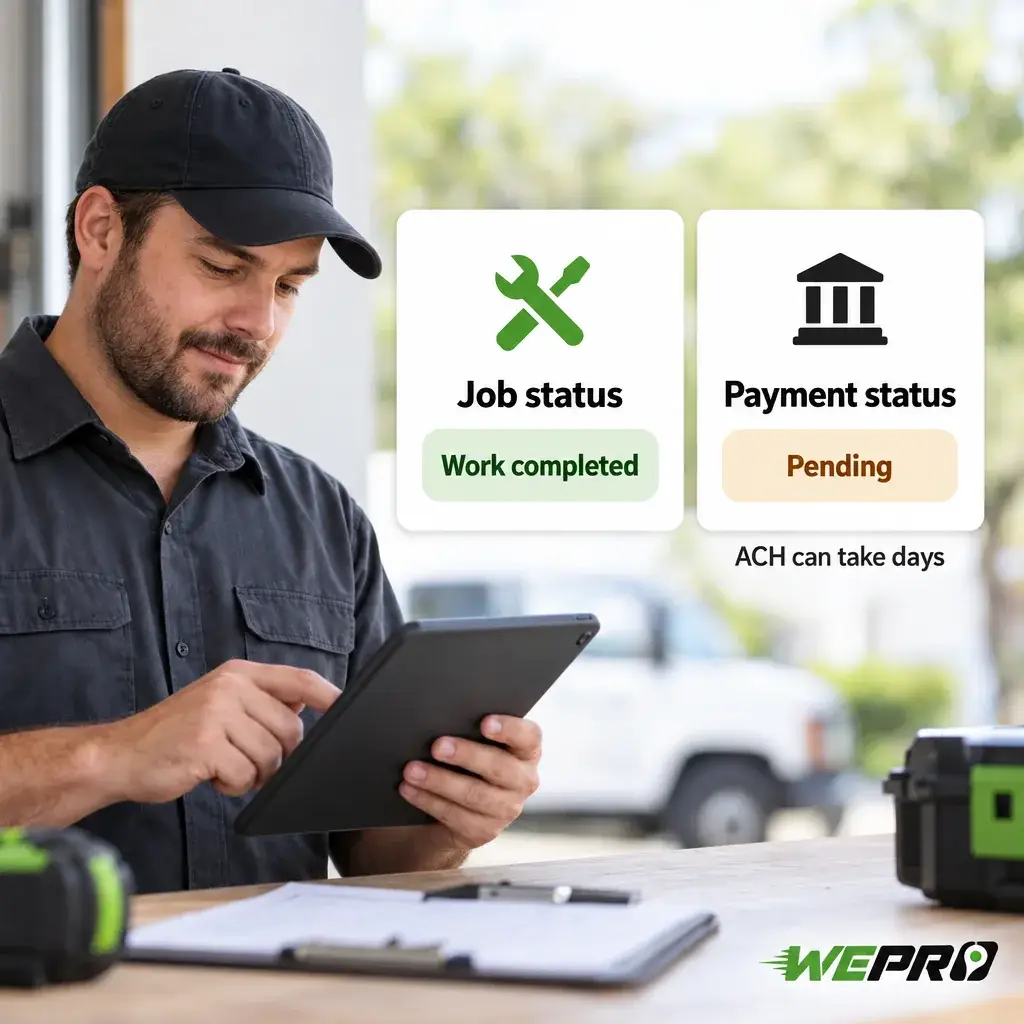
A finished repair doesn't prove that payment is complete. This distinction matters with bank payments.
According to the Consumer Financial Protection Bureau, ACH payments move money between banks. They can take days to complete and can be returned if funds are too low.
Use the provider's payment status rather than a customer's screenshot alone. A submitted payment needs a different follow-up from an overdue invoice with no payment attempt. A returned payment also needs an updated record, even if the job was closed earlier.
Keep card details out of job notes
Use your payment provider's approved page or terminal to collect card details. Don't turn a text thread, paper invoice, or job note into a place to store card numbers. The office needs a transaction reference, not a copy of the customer's card.
Small businesses still have card-security duties. The Payment Card Industry Security Standards Council says PCI DSS, the card industry's security standard, applies regardless of merchant size. Your payment provider or bank determines which checks you must complete to show compliance.
A payment link doesn't remove those duties. Have the provider explain the requirements for your setup, including any card details staff handle by phone or in person.
Give the office a focused daily review
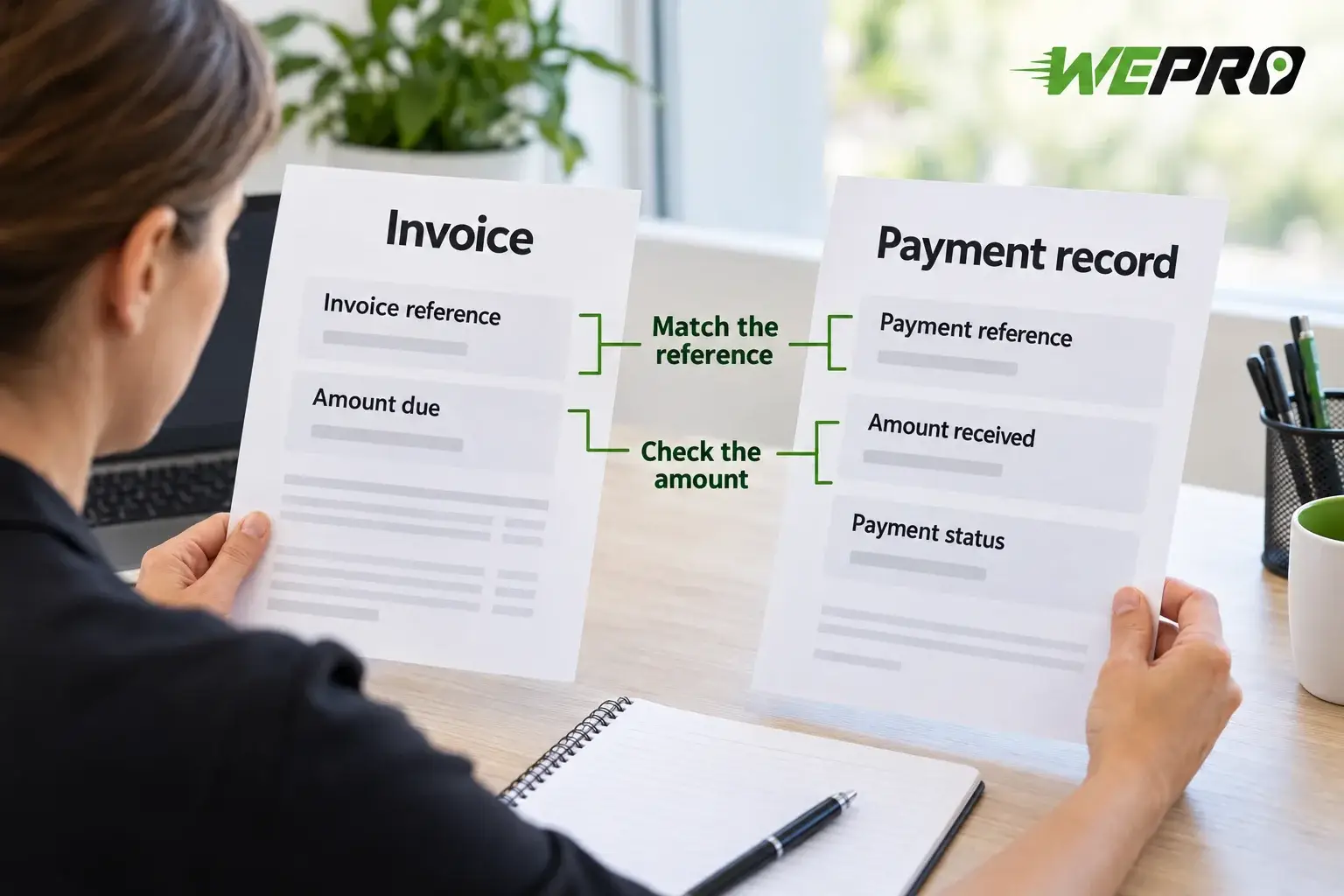
Review exceptions rather than reopening every finished job. Look for payments with no matching invoice, amounts that don't match the balance, returned payments, and overdue invoices with no assigned follow-up.
Match the reference, amount, and status against the invoice. If a transfer has no usable reference, resolve it before assigning it to a job. Don't clear an old balance simply because a similar amount appeared in the bank account.
When reviewing WePro's billing tools, walk through these exceptions using your own process. Establish what the payment provider reports and what staff must enter. That separates the software's role from the office's responsibility.
Payment questions worth settling
To organize payment handling after each job, contact WePro about its billing software. Bring your current payment methods and a sample invoice to discuss how they would fit your workflow.