

Better appointment windows begin with realistic capacity planning and a process for keeping customers informed when plans change.
Reliable home service appointment windows come from promising only time your team can support. Build each window around the job length, the right technician, travel, territory, and room for normal surprises. Then keep the customer informed the moment the plan changes. A shorter window isn’t useful if the schedule cannot keep it.
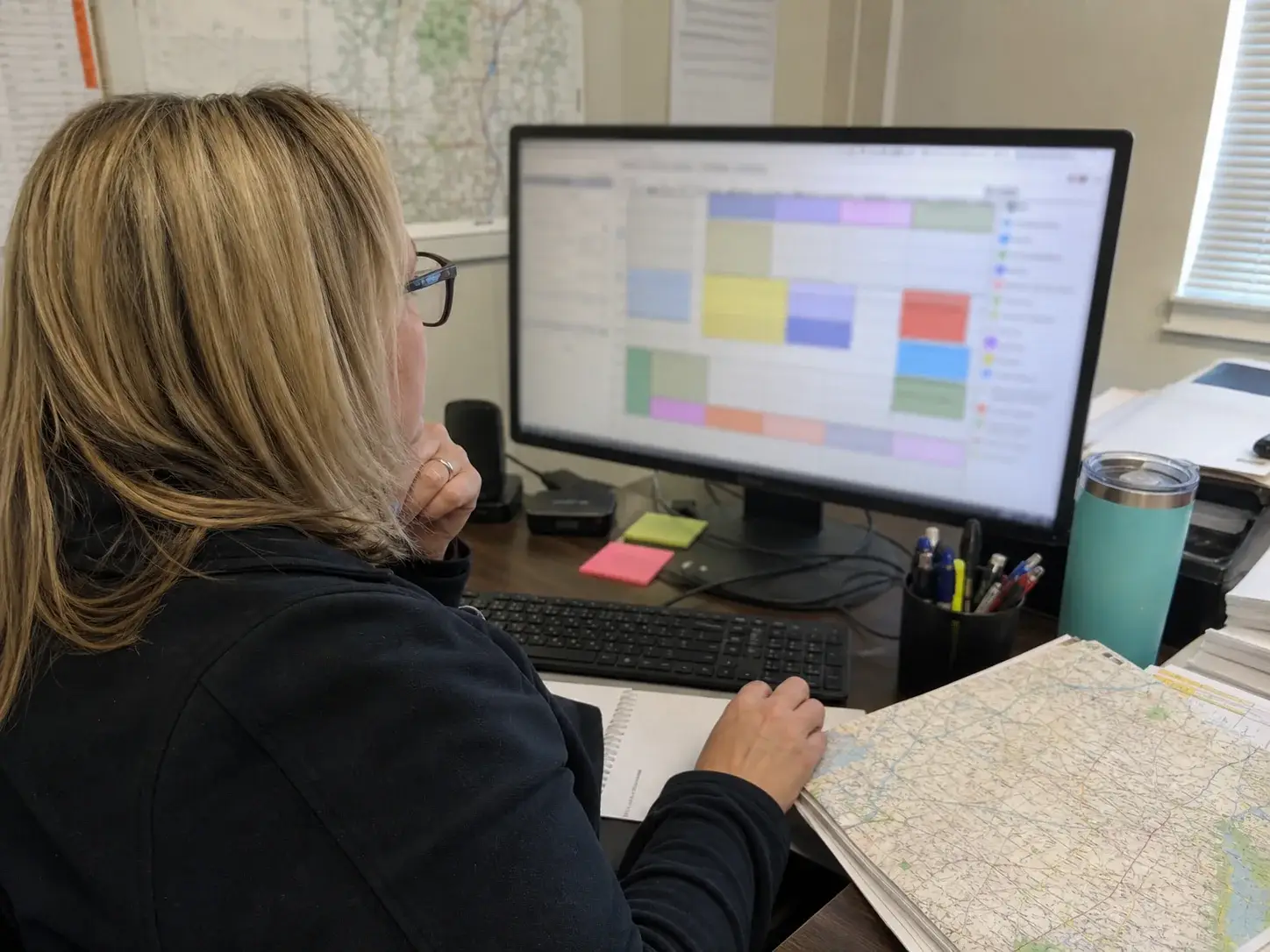
Start with a promise your schedule can keep
An appointment window is the period when a technician is expected to arrive and begin work. It is not simply an empty opening on a calendar. Microsoft Learn’s guidance on schedule time constraints says scheduling needs to account for the full promised window and the expected work time.
That distinction matters. A technician may appear free at 10 a.m., yet the job may take two hours and require a 30-minute drive. If the customer was offered a 10 a.m. to noon arrival window, the next booking needs enough room after the work ends. Packing jobs back to back turns a normal delay into a chain of late arrivals.
Decide what each window promises in plain language. If it promises arrival, don’t use it to mean job completion. If a customer needs work done before a certain time, record that need separately. Dispatchers and customers should be working from the same expectation.
Check the five facts before offering a time
A calendar can look open while the field team is already at capacity. Before confirming a window, check the details that decide whether the visit can happen as planned.
- Expected job length based on the work requested. Use a range when the office does not have enough information to estimate closely.
- Technician fit so the person sent has the needed skill and is available during the whole visit.
- Travel time from the prior job, including the route at that time of day.
- Service territory so distant calls do not create avoidable crisscross driving.
- A buffer for parking, customer access, paperwork, traffic, or work that runs longer than expected.
Microsoft Learn’s scheduling guidance also names skills, availability, location, and estimated travel time as inputs for field-service scheduling. Treat them as required booking checks, not details to sort out after the customer has picked a time.
Match the window to the job type
Different calls create different levels of uncertainty. A short planned visit may support a tighter arrival range when the needed work is clear. A call where the team must first find the problem may need a wider range or a separate inspection visit before repair work is scheduled.
Keep job types separate in the scheduling rules. A long installation, a return visit, and an initial service call should not all receive the same default time block. Ask office staff to capture the details that change time on site, such as equipment location, access limits, customer-provided photos, or a request for more than one task.
Build a day that can absorb normal change
Buffers aren’t wasted time. They protect the commitments already made. The right amount depends on the trade, job mix, territory, and current conditions. A team that covers a large area may need more travel room than a team serving a compact area. Weather, seasonal demand, traffic, and difficult parking can also change what is realistic in a given market.
Use the first booking carefully. A late first stop can put every later customer at risk. Give it enough time for the technician to load materials, travel, and arrive without racing. Avoid placing the most uncertain job before a set of tight windows unless there is a clear backup plan.
Also protect the final booking. A visit scheduled at the end of the workday still needs travel time and enough room to complete the work safely. If the work may require more time, tell the customer before confirmation what will happen if it cannot be finished during that visit.
Set rules for same-day requests
Same-day calls can be useful, yet they should not quietly consume the slack that protects customers already booked. Set a simple cutoff or hold designated capacity for urgent work if that fits your business. If neither option is available, offer the next time the team can genuinely support.
Don’t squeeze a new call into a gap just because it appears between two bookings. Confirm the driving distance, technician fit, and work time first. A full schedule is not the same thing as a workable schedule.

Give dispatch one live view of the day
Reliable windows depend on quick decisions when the plan changes. The dispatcher needs to see assigned jobs, technician status, job notes, location, and the next customer in a single working view. A technician should be able to report when they are on the way, on site, delayed, or finished without relying on a string of phone calls.
That shared view helps the office make a better choice. It can move a nearby qualified technician, adjust a later window before it is missed, or leave the schedule alone when the delay will not affect the next arrival. The key is to make a deliberate choice instead of hoping the route catches up.
WePro describes its platform as connecting scheduling, dispatch, job tracking, customer updates, GPS tracking, and alerts. Its Job Scheduling feature is a practical place to organize the information dispatch needs when assigning work. The business still needs clear booking rules and accurate job details for any scheduling process to work well.
Send useful updates before the customer has to ask
Customers can plan around a change when they hear about it early. They have a harder time when a window passes with no word. Make updates part of the job flow rather than something staff remember only during a busy day.
Send a confirmation when the appointment is scheduled. Before the visit, send a reminder that states the date, arrival window, service address, and any preparation the customer should complete. When the technician leaves for the job, send a brief on-the-way message if your team can reliably trigger it.
If a delay affects the promise, contact the customer as soon as dispatch knows. State the revised arrival range, not a vague promise to arrive soon. Give a choice when it is practical, such as keeping the new time or selecting another opening. Record the update in the job so the office and field team do not give conflicting information.
WePro’s Automated Messages feature describes reminders and status updates for scheduled, rescheduled, assigned, en route, on-site, and completed jobs. It also keeps message history with the customer job. Set up only messages that match your real field process. An automatic update that claims a technician is on the way before they leave creates a new trust problem.
Use words customers can act on
A good message answers the customer’s next question. Include the date, the current arrival range, and the action needed, if any. Avoid terms that only make sense inside the office, such as assigned or route optimized.
- Say the appointment is scheduled for Tuesday from 1 p.m. to 3 p.m.
- Say the technician is expected between 2 p.m. and 3 p.m. after a delay.
- Ask the customer to secure pets, clear access to the work area, or reply if the address has changed.
- Say when the office will provide the next update if a revised arrival range is not ready yet.
Use missed windows to improve the next week
Reviewing the schedule should lead to a specific change. Track the reason when a technician arrives outside the promised range. Keep the reason simple enough that staff will use it. Useful choices may include job ran long, travel delay, wrong job length, missing parts, technician change, customer access issue, or schedule change made late.
Review the pattern by job type, day, technician skill needs, and territory. If a certain type of visit repeatedly needs more time, revise its booking block. If travel is the issue, group work more tightly by area. If job notes are incomplete, change the questions the office asks before booking.
Check both early and late arrivals. Repeatedly arriving much earlier can be a problem when customers are not ready or do not expect a technician. The goal is to arrive within the commitment, with enough notice for the customer to prepare.
Use this booking check before confirming a window
- Confirm what work the customer wants and what details may change the time needed.
- Choose a technician with the needed skills and open work hours.
- Check the prior job, drive, and planned job length together.
- Add room for normal delays based on the route and job type.
- Confirm the arrival window in writing with the service address and customer preparation steps.
- Record the promise and update the customer promptly if it changes.
This check keeps sales, office staff, dispatch, and technicians focused on the same promise. It also makes it easier to spot when a requested window cannot be supported before the customer hears a commitment.
Questions service teams ask about appointment windows
Should every customer get the same arrival window?
No. Use a window that fits the job certainty, travel, and route. A planned follow-up with clear work may allow a tighter range than an initial call where the work cannot be known until the technician arrives. Keep the wording consistent even when the range changes.
What should staff do when a technician is running late?
First confirm the technician’s current status and the likely effect on the next booking. Contact affected customers before their existing window is missed. Give the best revised range available, note the contact in the job, and update the schedule so every team member sees the same plan.
Can a customer choose a specific arrival time?
Offer a specific time only when the schedule can protect it. A fixed arrival creates a tighter commitment than a general range. It may require a larger buffer before the job, a route change, or a different day. If you cannot support it, explain the available arrival range clearly.
What job details should the office collect before scheduling?
Collect the service address, contact method, work requested, equipment or area involved, access instructions, parking limits, pets, and any time restrictions. Photos or model information may help when they are relevant to the trade. Accurate notes help the field team arrive prepared.
WePro can help home-service teams set up a clearer scheduling and dispatch workflow. Contact WePro about its Job Scheduling service through the company website to discuss your field process. A phone number was not provided.